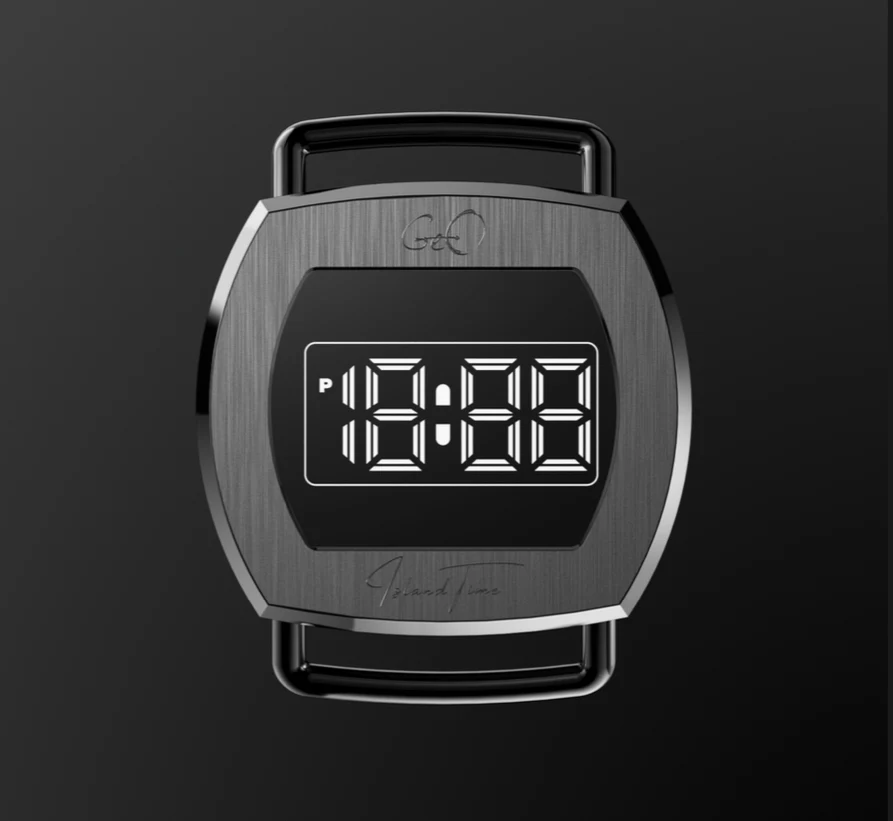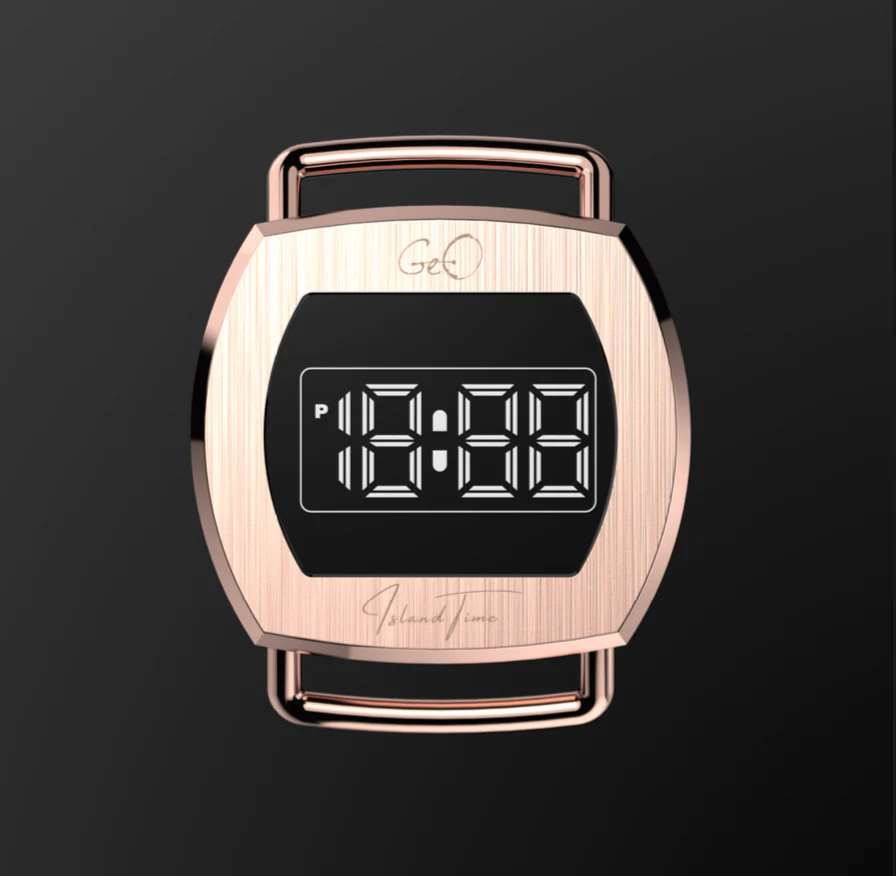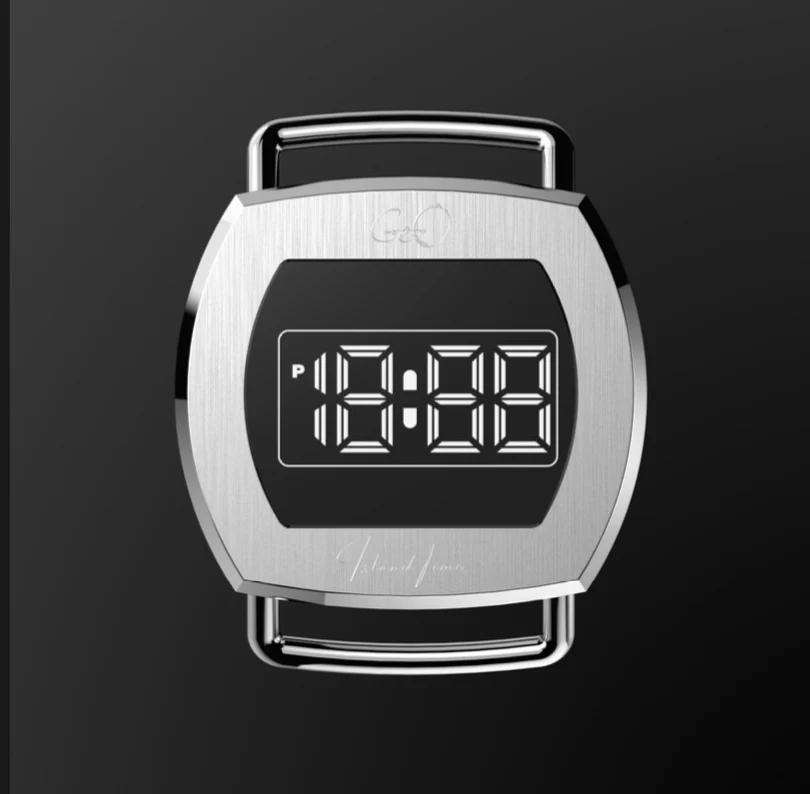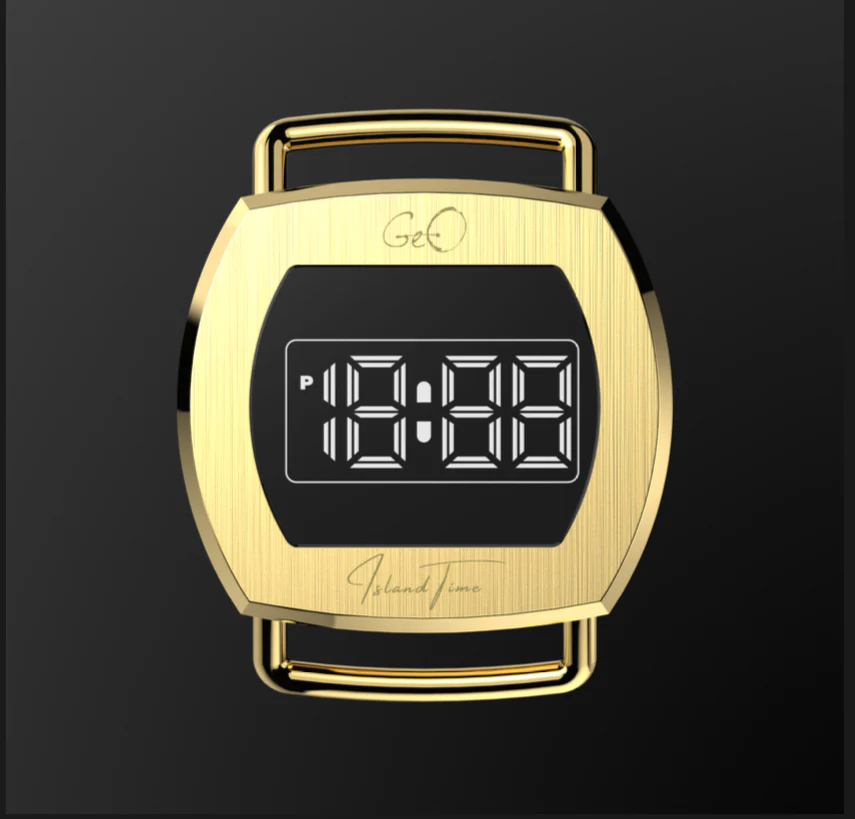
Geo Retro Future LED Digital Gold Watch
Budget
Price TierVisit the brand's site for current pricing
Add Free Strap 36mm x 33mm stainless steel gold case K1 Crystal Scratch Resistant Touch Screen Quartz Movement Water resistant 50 meters White LED Retro Future Font 20mm width Fixed Lugs 1 year warranty on any manufacturer defects. Time & Date Setting Instructions Activate Setting Mode Hold your finger on the black line above the IslandTime logo for 3 seconds. → The hour digits will begin to flash. Set the Hour Tap the black line to increase the hour value. When the correct hour is set, hold for 3 seconds to move to the next setting. Set the Minutes → The minute digits will flash. Tap to increase the minutes. Hold for 3 seconds to proceed. Set the Year → The year will flash. Tap to adjust the year. Hold for 3 seconds to continue. Set the Month → The month will flash. Tap to increase the month. Hold for 3 seconds to move forward. Set the Day → The day will flash. Tap to set the correct day. Hold for 3 seconds to confirm and exit setting mode. 🕹 Tip: If no action is taken for a few seconds, the watch will automatically exit the setting mode and return to normal time display.